✏️ Graph & dot paper drawing studio

Draw itin 3Dsquare by squareon dot paperwithout smudges

A focused workspace for geometric and 3D drawings on graph or dot paper — place lines that snap with precision, fill shapes with solid or gradient color, and export clean PNGs.

4.4 on the App Store13 ratings · as of July 2026
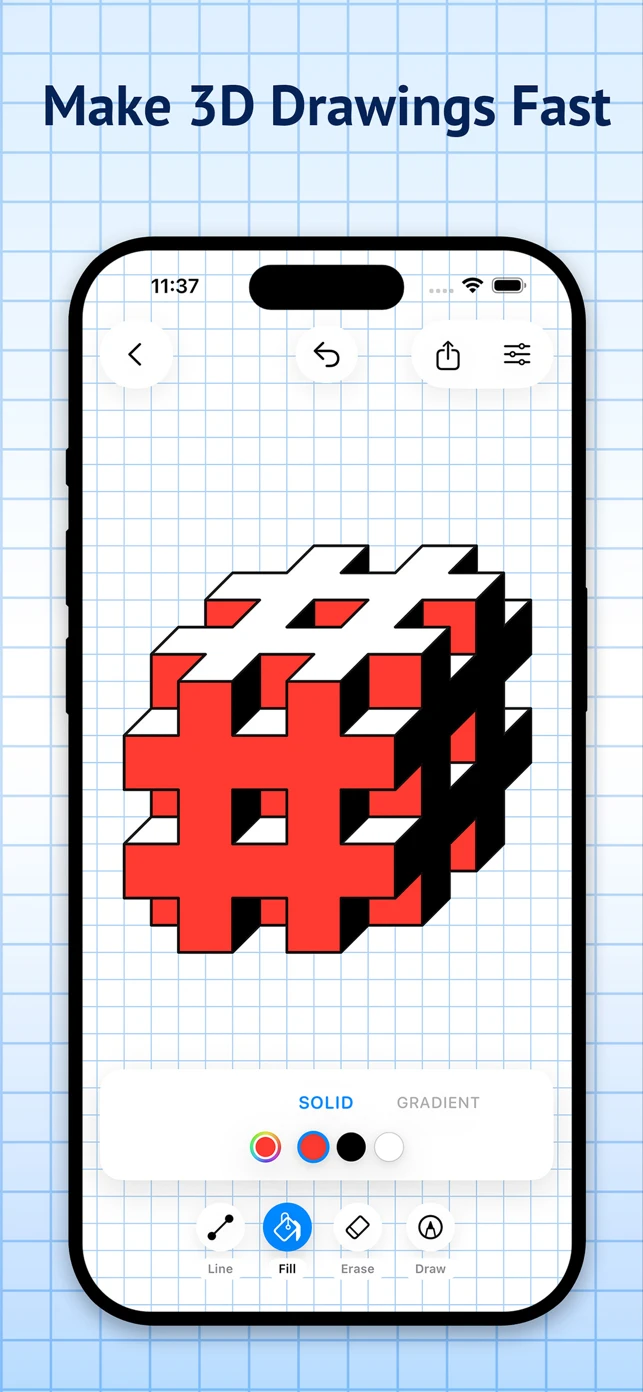
3D hashtag-shaped block drawing in red, white and black on graph paper, with solid fill colors selected and Line, Fill, Erase and Draw tools below
Cheat sheet 📎

Study notes

4.4★

App Store rating

13 ratings · as of July 2026 · US App Store
4

ways to draw — web, iPhone, iPad & Mac

modern browsers + Apple Pencil

unlimited undo & redo

experiment fearlessly
0

sign-ups needed to start on web

browser-local projects · no sync
The pencil case 🖊️

Every tool,
sharpened

Everything below ships in the real app today — line up your grid, fill your shapes, and export something worth pinning to the fridge.

Lines that snap

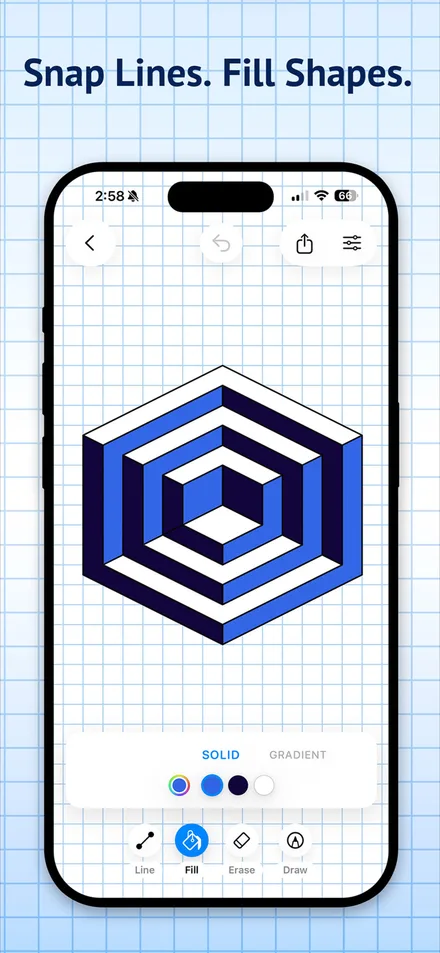
Place anchored lines with snap and precision controls for confident placement — then fill closed shapes with solid color in one tap.

Line + FillConcentric hexagon optical illusion drawn in blues on graph paper, with the Fill tool active and solid color swatches

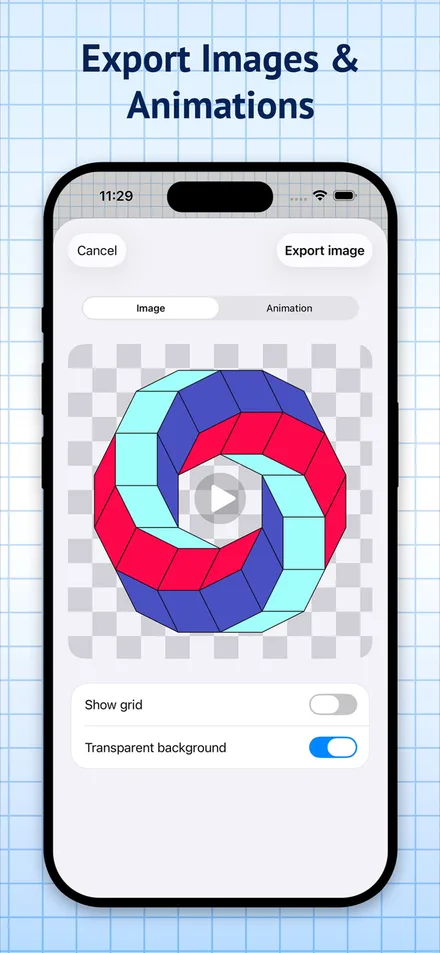
Export images & animations

Export on a solid background, with grid or dots showing, or as a transparent PNG — then share straight from the export sheet.

Clean exportsExport sheet with Image and Animation tabs showing a ring of colored cubes on a transparent background, with Show grid and Transparent background toggles

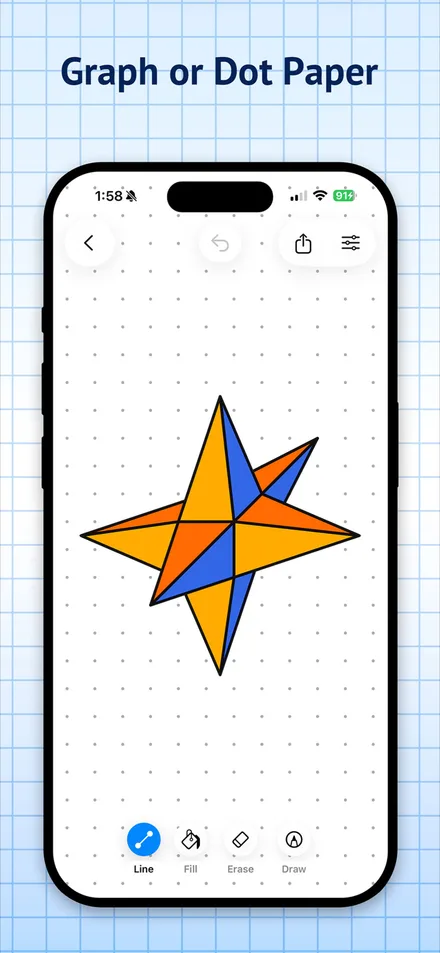
Graph or dot paper

Switch papers anytime — and with Pro, customize paper color, grid line color and thickness, dot color and size, and drawing line widths.

Paper you controlOrange and blue 3D star drawn on dot paper with the Line tool selected

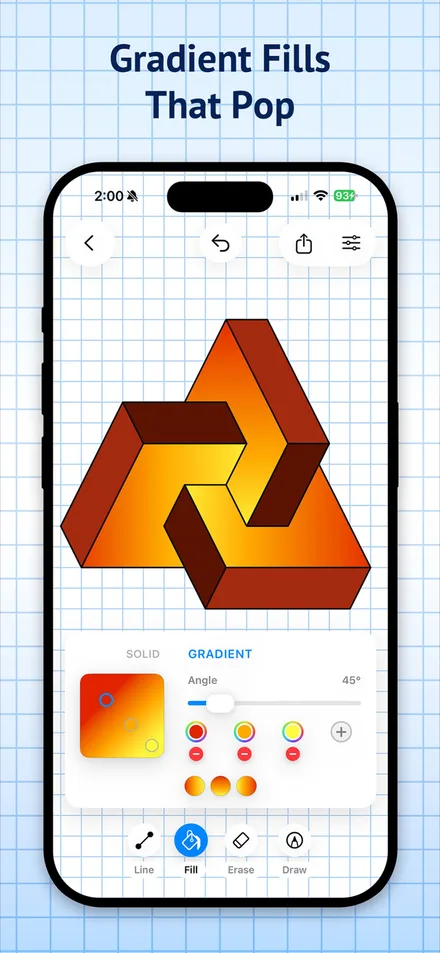
Gradient fills that pop

Fill closed shapes with gradient color — set the angle, add color stops, and bring 3D drawings and diagrams to life.

Gradient fillInterlocking 3D triangle shape filled with orange-to-yellow gradients, with the gradient fill panel open showing a 45-degree angle slider and color stops
Concentric hexagon optical illusion drawn in blues on graph paper, with the Fill tool active and solid color swatchesExport sheet with Image and Animation tabs showing a ring of colored cubes on a transparent background, with Show grid and Transparent background togglesOrange and blue 3D star drawn on dot paper with the Line tool selectedInterlocking 3D triangle shape filled with orange-to-yellow gradients, with the gradient fill panel open showing a 45-degree angle slider and color stops
Homework 📚

Today’s assignment

Pick any one. Extra credit for all four.

Name: Graph Paper ProClass: Graphics & DesignDate: July 2026

3D doodles & cubes

Build the classic graph-paper 3D doodles and cube drawings, only faster.

Optical illusions

Snap precise lines into eye-bending optical illusions.

Isometric-style sketches

Lay out isometric-style sketches on graph or dot paper.

Clean diagrams

Draw tidy geometric diagrams and export them as clean PNGs.

4.4

from 13 App Store ratings — early days, sharp pencils

Rating shown as of July 2026 · Graph Paper Pro, US App Store
Pop quiz 💬

FAQ

Is Graph Paper Pro free?
Yes. You can open the web app and start drawing free without an account. Web Pro purchasing is not available yet and will be separate from App Store purchases. On Apple platforms, the free version includes up to 3 projects, limited customization and basic export.
How do Pro subscriptions work?
The current Pro subscriptions are sold through Apple's App Store for iPhone, iPad and Mac. They renew automatically unless canceled at least 24 hours before the end of the current period and can be managed in App Store account settings. Web Pro checkout is not live yet, and App Store purchases do not currently carry over to the web.
What devices does it support?
The web app supports current versions of Chrome, Edge, Firefox and Safari on desktop and mobile. The Apple app runs on iPhone, iPad and Mac and requires iOS 17.0 or later; Apple Pencil works with its included freehand tools.
Do I need an account or an internet connection?
You can start drawing on the web without an account. Projects are stored locally in that browser, are not uploaded or synced when you sign in, and can be lost if you clear site data without exporting a backup. After the first load, core drawing can work offline; account services require a connection.
Can I export transparent PNGs?
Yes — export on a solid background, with grid or dots showing, or as a transparent PNG, and share straight from the export sheet. In the Apple app, Pro unlocks all export styles.

More from our studio 🎨

More creative apps from piZap

Meme Maker Pro: Make Memes app iconMeme Maker Pro: Make MemesFunny Memes, GIFs & AIReel Maker Pro: Story Designer app iconReel Maker Pro: Story DesignerCreate Reels, Stories & PostsSocial Post Pro: Layout Maker app iconSocial Post Pro: Layout MakerMake Posts, Reels, & CollagesSticker Maker + GIF Stickers app iconSticker Maker + GIF StickersCreate your personal stickers!
See all 19 Digital Palette apps →

Fresh sheet.
Sharp pencil.

Open web appGet Graph Paper Pro — free

Start on the web · App Store download for iPhone, iPad & Mac